Creating files with AI: from instruction to finished file
A method for producing usable AI-generated files: choose the format and output folder, verify the result and control permissions.
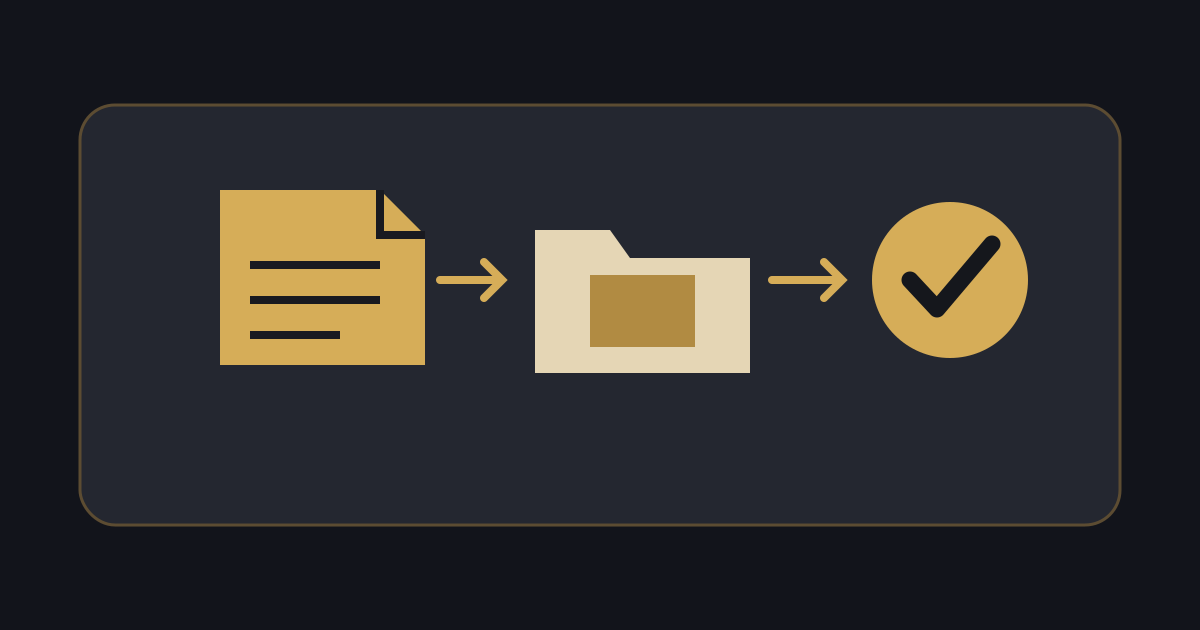
Text in a conversation and a usable file are different deliverables. To create a document, spreadsheet or note, specify the format, expected content and destination. The assistant needs a tool that can write that format: a text response does not create a valid DOCX, XLSX or PDF.
Choose a format for the task
- CSV: simple tabular data, with delimiter and encoding specified.
- XLSX: multiple sheets, formulas and formatting; check compatibility.
- DOCX: editable document with styles and pagination.
- PDF: a reading or distribution version; inspect page rendering and links.
A file with the correct extension may still be invalid. Open it with an appropriate application before accepting it.
Example: create a tracking sheet
Request a table with three columns (date, task, status), five sample rows and a UTF-8 CSV file with a semicolon delimiter. Specify an empty output folder and an exact file name. Check the file exists, has five data rows and three columns, and preserves accented characters. For XLSX, verify cell types and any formulas as well.
A request that reduces errors
“Prepare tracking.csv in the authorized folder. Do not replace any existing file. Propose the plan first, then create the file after approval. Verify it opens and report its path and checks performed.” Do not request access to an entire directory when a dedicated folder is enough.
Verify before sharing
- The correct file exists on the correct computer and in the correct folder.
- The format is readable and the content meets requirements.
- Numbers, dates and references have been checked.
- No sensitive data or unexpected metadata is included.
- Source files have not been overwritten.
Control the device and its permissions
SteerLatch connects a compatible client to authorized tools on a paired computer. The ability to produce a particular format depends on the environment and installed software. Read our MCP guide and the explanation of STOP and revocation. The final file remains the responsibility of the person who approves and shares it.