Local AI: Qwen3.5-27B, Ollama and SteerLatch for memory management
Run Qwen3.5-27B locally, unload models with Ollama and LM Studio, and operate an authorized computer with SteerLatch. Practical steps and limits.
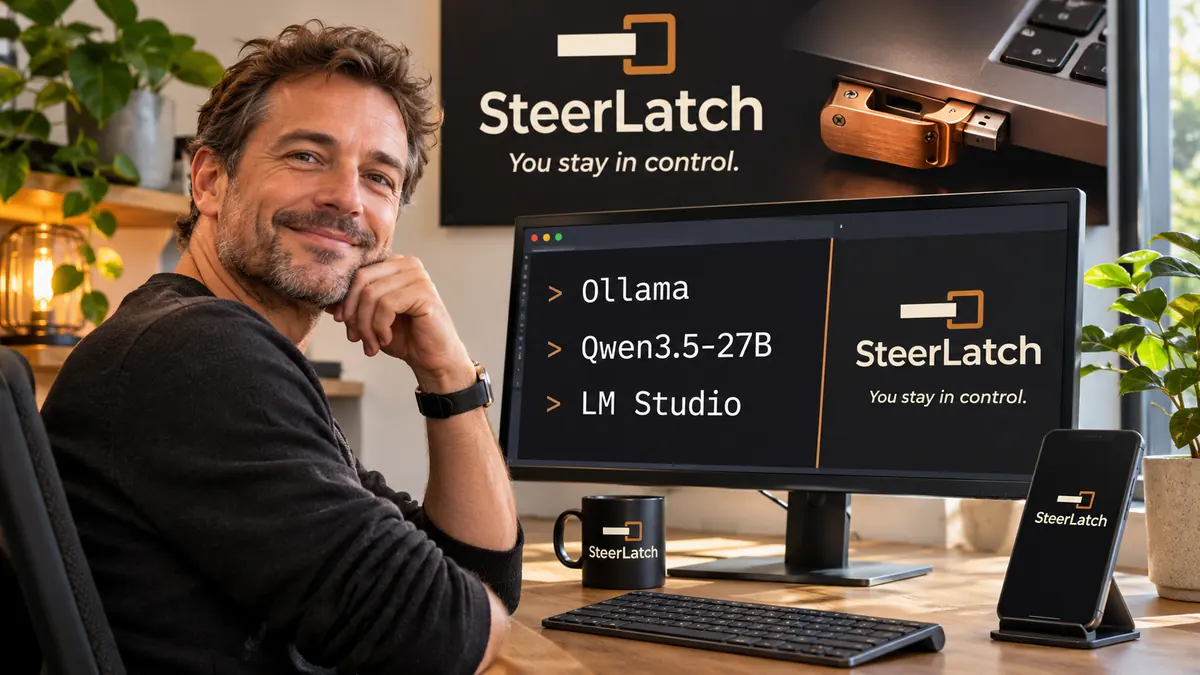
Local AI can run inference on your own computer instead of sending each model request to a remote inference API. Large models, however, can occupy memory long after a task ends. Qwen3.5-27B, Ollama and LM Studio offer a practical way to load a model when needed and release memory afterwards. SteerLatch can complement this workflow by allowing a compatible assistant to operate an authorized computer.
Three separate roles: model, runtime and computer control
Qwen3.5-27B is a multimodal model from the Qwen family, with weights distributed under Apache 2.0. Ollama and LM Studio run the model, manage context and generate responses. SteerLatch is an MCP (Model Context Protocol) computer-control layer, not an inference engine or a language model.
Local inference does not automatically mean that every part of the workflow stays offline. Calls and results sent through remote MCP integrations may travel through remote services.
How much memory does Qwen3.5-27B need?
The name refers to roughly 27 billion parameters. As a rough calculation, 16-bit weights would occupy around 54 decimal GB, while the theoretical minimum at four bits is around 13.5 GB. Real artifacts include extra data such as quantization tables and, depending on the format, a multimodal projector. Ollama lists a Q4_K_M model artifact of around 17 GB. File size is not a guarantee of RAM usage.
Budget for context cache, inference buffers, your operating system and other applications. Apple Silicon shares unified memory between CPU and GPU; on a discrete-GPU computer, memory allocation depends on runtime settings. Begin with a modest context window and monitor memory pressure. If the machine starts swapping heavily, choose a smaller model or context.
Ollama: load on demand and release memory
Install Ollama from its official site. Once you have downloaded the appropriate model variant, start a local conversation:
ollama run qwen3.5:27bLeave the interactive chat with /bye. Then inspect loaded models and unload the one you no longer need:
ollama ps
ollama stop qwen3.5:27b
ollama ps
Ollama normally retains a model in memory for five minutes after a request. Its API accepts a keep_alive duration such as "2m", or 0 to unload after the response. Here is a local API example:
curl http://localhost:11434/api/chat \
  -d '{
  "model": "qwen3.5:27b",
  "messages": [
    {
      "role": "user",
      "content": "Explain RAM in three sentences."
    }
  ],
  "stream": false,
  "keep_alive": 0
}'
Unloading does not delete the model files from your SSD. The next request reloads them, introducing a cold-start delay. On a shared computer, coordinate with other users before unloading an active model.
LM Studio: unload after inactivity
LM Studio also supports an idle time-to-live (TTL) for loaded models. Use its CLI command lms ls to identify installed models, lms load with --ttl 120 for two minutes of inactivity, lms ps to inspect loaded models and lms unload to select one to unload. The result depends on your installed version and active sessions.
Where SteerLatch fits
One route uses an assistant already connected to SteerLatch on an authorized Mac, Windows PC or Linux computer. The assistant can inspect whether Ollama is installed, execute permitted terminal commands and check the results. On platforms with supported graphical control it can also open the local application. The local runtime performs inference, not SteerLatch.
A second route uses a local AI client that supports remote MCP servers and authentication. LM Studio documents OAuth-backed MCP integrations. Before attempting a direct connection, confirm that the client supports the SteerLatch transport and OAuth flow, that the model can use tools, and that authorization succeeds. See the official SteerLatch documentation. This is not a claim of certified direct integration with every Qwen model or LM Studio version.
A repeatable routine
- Select an authorized computer and check available memory. Do not download a model without approval.
- Check the model is installed and inspect currently loaded models. Confirm the intended start action.
- Run a small local task using material you are permitted to process. Do not expose sensitive data to a remote assistant if it must remain on the computer.
- Verify the output and save it locally. Share only what is required.
- When work finishes, confirm no other session uses the model, unload it, and check memory again. Keep the downloaded files for the next session.
Example instruction for a connected assistant: “Check whether Qwen3.5-27B is already installed. Do not download anything or interrupt any session. Show the steps to launch it and release its memory after I confirm the task has finished.”
Privacy and safety
Local inference reduces reliance on remote inference APIs, but tool permissions, transmitted files and connectors still matter. Keep access narrow, require confirmations where appropriate and never paste credentials into prompts. SteerLatch STOP and revocation cut access according to their intended functions; they do not undo prior changes. Fully offline workflows require local runtimes and tools without a remote relay.
Frequently asked questions
Does 27B mean 27 GB of RAM?
No. Parameter count is not memory usage. Quantization, context cache, hardware and runtime determine the actual requirement.
Will I need to download the model again?
No. Unloading frees working memory without deleting the stored model.
Does SteerLatch run Qwen itself?
No. Ollama or LM Studio execute inference. SteerLatch provides authorized computer access to a compatible assistant.
Can I use a smaller model?
Yes. A 4B or 9B model may be a better fit for a computer with less memory or a simpler task.
Explore SteerLatch setup and permissions before automating your first local workflow.