SteerLatch joins ChatGPT: connect your computer with MCP
SteerLatch is published in the ChatGPT plugin catalog. Learn how it connects authorized Mac and Windows computers with permissions, STOP and revocation.
SteerLatch is now published in ChatGPT's plugin catalog. OpenAI approved its submission on 20 November 2026, followed by publication of version 0.1.3. This makes the connector easier to discover, without necessarily having to configure a custom MCP server yourself.
What can the SteerLatch plugin do in ChatGPT?
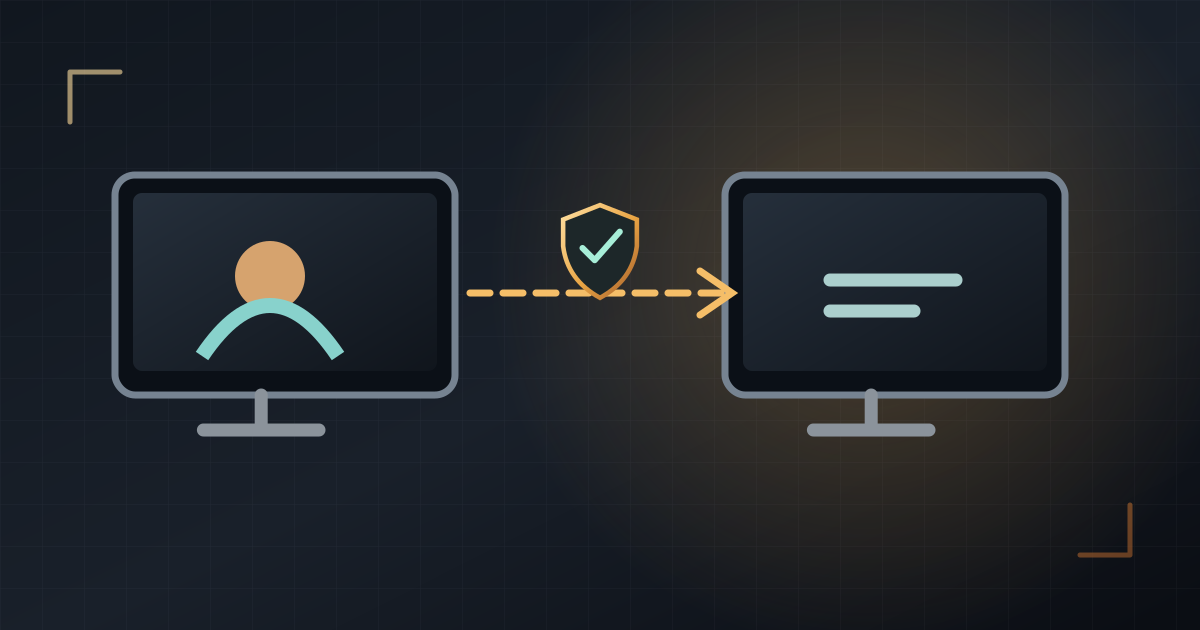
SteerLatch connects an MCP-compatible AI assistant to Mac and Windows computers that you explicitly pair with your account. Depending on the available tools and permissions, the assistant may inspect folders, read or write files, run commands, view the screen or use the mouse and keyboard. Access remains limited by what was authorized on the selected computer.
How to try it safely
- Open the ChatGPT plugin catalog available to your account and look for SteerLatch, or visit its plugin listing.
- Connect your SteerLatch account using the OAuth authorization flow. Do not paste your password into a chat.
- Install SteerLatch on a Mac or Windows PC you own or are authorized to administer, then add the computer in your SteerLatch dashboard.
- Grant consent locally on that computer, with only the permissions required. If you have several devices, explicitly select the one to use.
- Start with a reversible task on dummy data, such as listing three sample filenames and checking the result yourself.
A practical example: preparing a file checklist
A small-business owner creates a sample folder containing three documents without personal data. They ask ChatGPT to inventory the filenames with SteerLatch, then review the list before considering more sensitive work. This is a better first test than giving an assistant broad access to production documents.
STOP and access revocation
STOP blocks new requests to the selected computer. Revoking an AI authorization or a computer then removes the corresponding access. STOP does not undo changes already made, and an operation already under way may finish. Keep backups and review results.
What publication does not mean
A plugin listing makes setup easier, but it is not a security certification for your devices, a guarantee that every feature was independently tested, or an exclusive partnership with OpenAI. Available tools, interfaces and installation options may vary by version, country and account.
See also: MCP explained, STOP and revocation, and SteerLatch documentation.