SteerLatch on Microsoft Store: install on Windows
SteerLatch has a Microsoft Store listing for Windows. Find the app, review permissions and learn why a submitted update is not yet a released build.
SteerLatch now has a listing in the Microsoft Store for Windows. This gives Windows users an additional way to find the application, alongside SteerLatch's own website, documentation and account dashboard.
Where can I find SteerLatch for Windows?
Start from the SteerLatch Microsoft Store listing. Before installing, compare the product name and publisher with the official website, then follow the instructions shown for your Windows version.
What does the Windows application do?
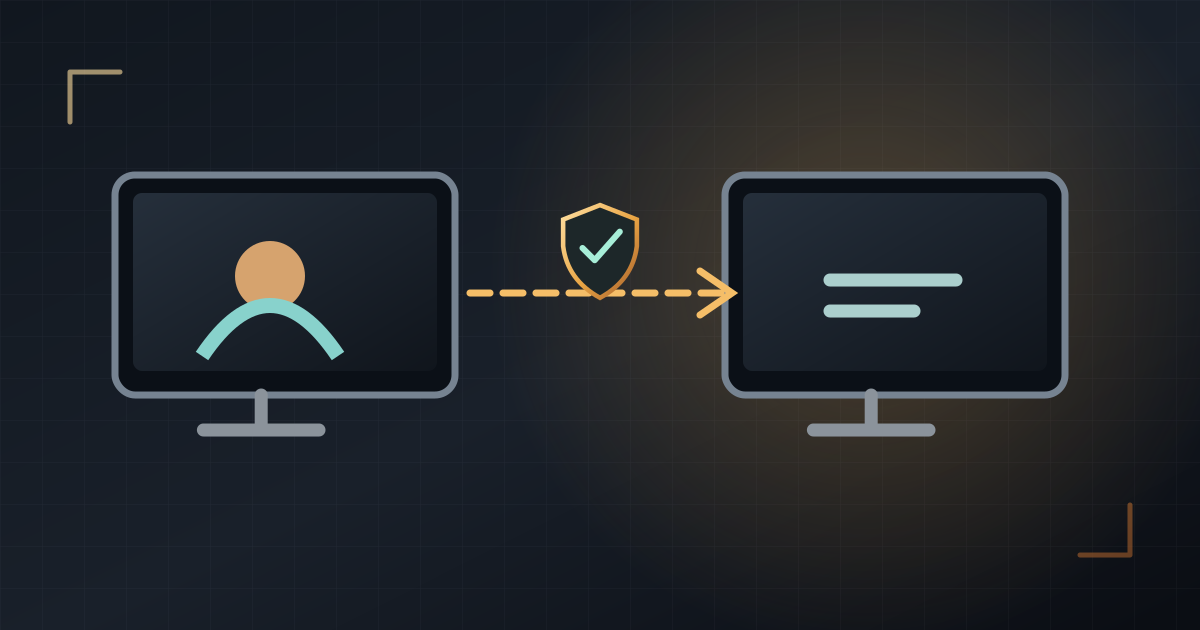
SteerLatch connects an MCP-compatible assistant to a Windows computer explicitly paired with its owner's account. After connecting the computer and granting local permissions, the assistant can use the tools permitted on that machine, for example inspecting sample files, running an authorized command or viewing the screen. Access depends on the selected permissions and configuration.
Four checks before your first session
- Install only from an official source and verify the publisher.
- Sign in to SteerLatch and pair only a Windows PC you own or are authorized to manage.
- Review on-device permissions and grant only what the task needs.
- Connect an MCP-compatible assistant, try a harmless task on dummy files, then test STOP and access revocation.
Is the Store version always the newest build?
Not necessarily. On 21 November 2026, Windows build 0.1.4.0 had been submitted for Microsoft certification. Submission is not proof of public rollout. Check the version that the Store actually offers and its publication history before assuming an update is available.
Security still begins with consent
A Store listing does not replace local approval. An assistant with terminal access can operate with the permissions of the Windows account. Review requested actions, maintain backups, and stop sessions that exceed your intended scope.
Read next: STOP and revocation, terminal safety habits, and official help.