SteerLatch: remote control, shared memory and messages between your AIs
New SteerLatch version for Mac and Windows: control your computer from your phone, shared memory between AIs, messages between AIs and an iPhone app.
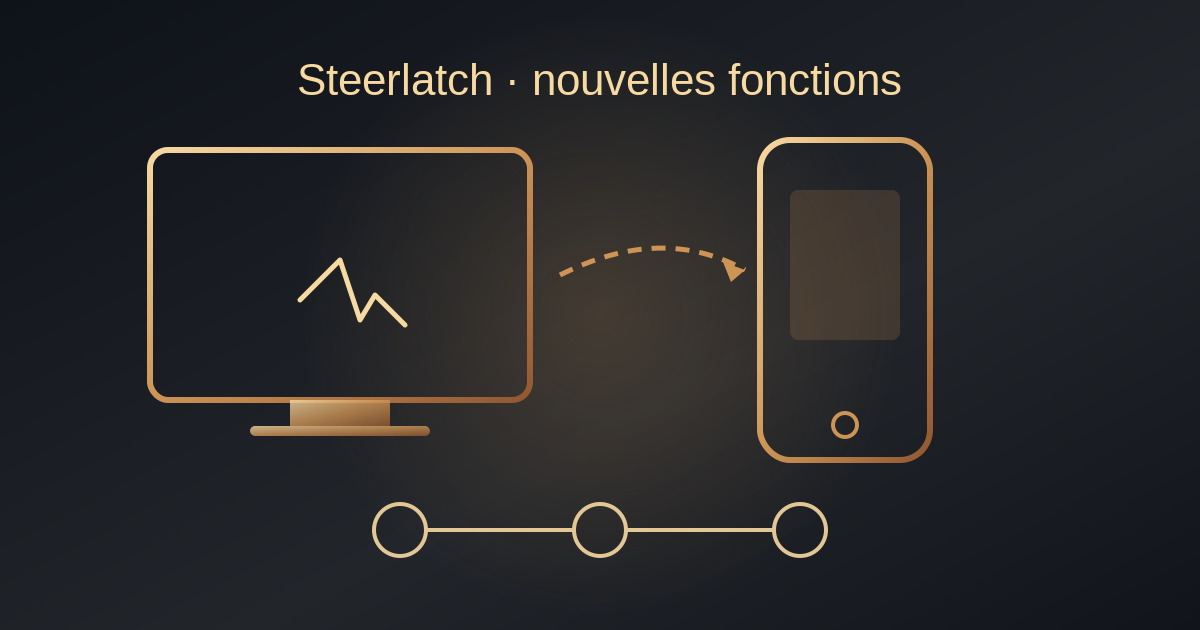
A new version of SteerLatch is available for Mac (Apple Silicon and Intel) and Windows. It adds three major features, all under the same rules as before: nothing happens without your consent on the computer, and the STOP button stops everything.
For a product overview and practical examples, see What is SteerLatch?.
Control your computer remotely
From your phone or a browser, you see your computer's screen and can take over, like a trackpad: visible pointer, click, scroll, keyboard. Video goes over a direct, end-to-end encrypted connection when possible. The feature is turned on on the computer itself and requires two-factor sign-in.
Your AI keeps its access while you drive: you have priority as soon as you move the mouse or type, and it resumes a few seconds later. Handy when your AI asks you to approve a page before it carries on.
A shared memory between your AIs
ChatGPT, Claude, Gemini or another AI can pick up where another left off: project status summary, notes, decisions. This memory is kept on one of your computers, never on SteerLatch servers, and you can turn it off.
Messages between AIs
Your AIs can leave each other messages and hand work over: one prepares, the other checks. Together with the shared memory, several AIs can work across several computers without explaining everything again.
How to update
- If SteerLatch was installed after November 10, it updates itself.
- Otherwise, download the new version from your account. On Windows, SteerLatch is also on the Microsoft Store.
- Simpler: ask your AI "Explain the new SteerLatch features and help me update".
And on iPhone?
The SteerLatch iPhone app is available: your computers, your AIs' status and the STOP button in your pocket. The Android version is coming very soon.
To distinguish devices safely, read the SteerLatch multi-computer workflow.