What is SteerLatch? A practical introduction
Learn what SteerLatch does: connect compatible AI assistants to authorized Mac and Windows computers, understand permissions and get started safely.
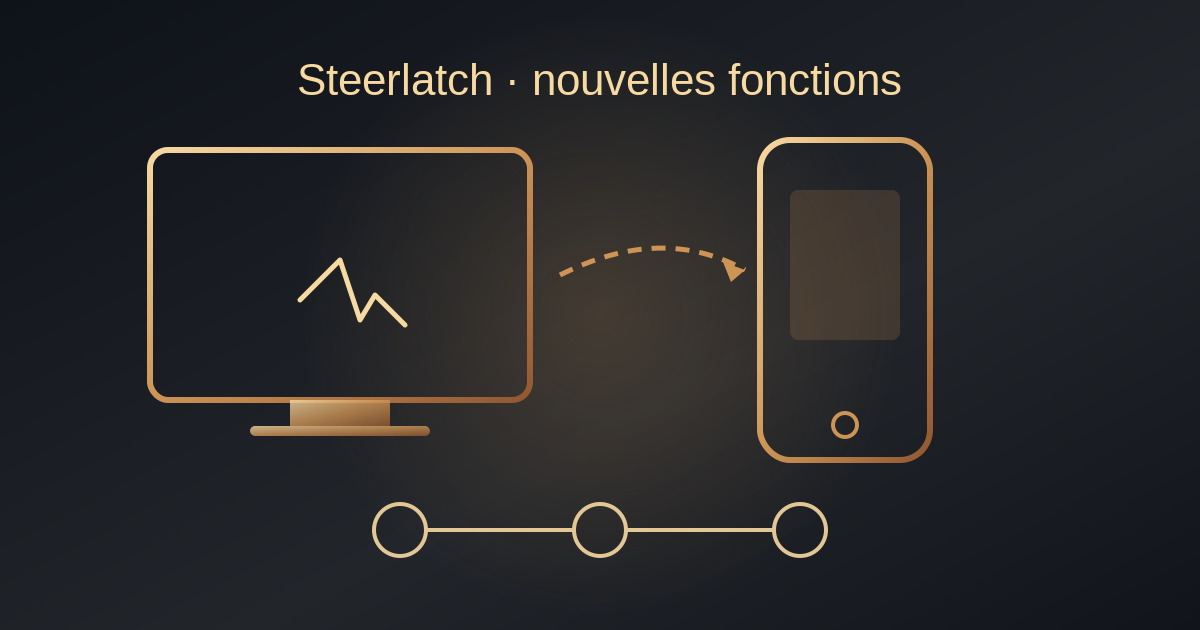
SteerLatch is a connector that lets an AI assistant compatible with the Model Context Protocol (MCP) request actions on an authorized Mac or Windows PC. It does not replace your AI assistant or operating system: it connects them. SteerLatch is published by CEM TECH & CONSEIL.
What is SteerLatch used for?
Rather than manually copying an AI-generated result, you can ask an assistant to work with sample files, open pages or prepare a task on your computer. Available tools depend on the operating system, assistant and permissions you grant. When using multiple devices, explicitly identify the computer that should receive the request.
How is it different from remote desktop software?
Remote desktop software typically lets a person operate a screen from another device. SteerLatch also lets an MCP-compatible assistant request actions on an authorized computer. Phone control and shared context across assistants are described on the official SteerLatch website. These features are separate from the AI model itself.
How to get started
- Read the official links and SteerLatch documentation for your device.
- Add only a computer you are authorized to use and review the permissions requested.
- Connect a compatible MCP assistant following the instructions for your account.
- Start with a sample folder and ask for a file inventory without writes or commands. Review the result before trying a more complex task.
How do you stay in control?
Check the selected device, permission scope, STOP and revocation controls. STOP blocks new requests as documented; it does not undo completed edits. Avoid confidential files in your first test. See the guide to consent, STOP and revocation.
Practical examples
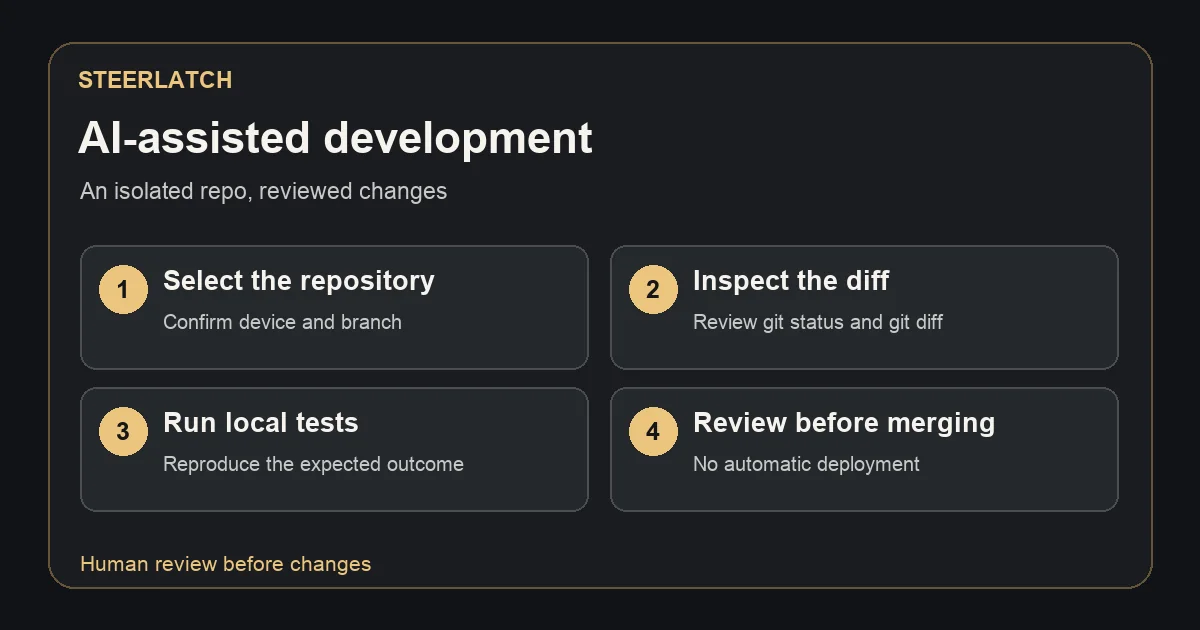
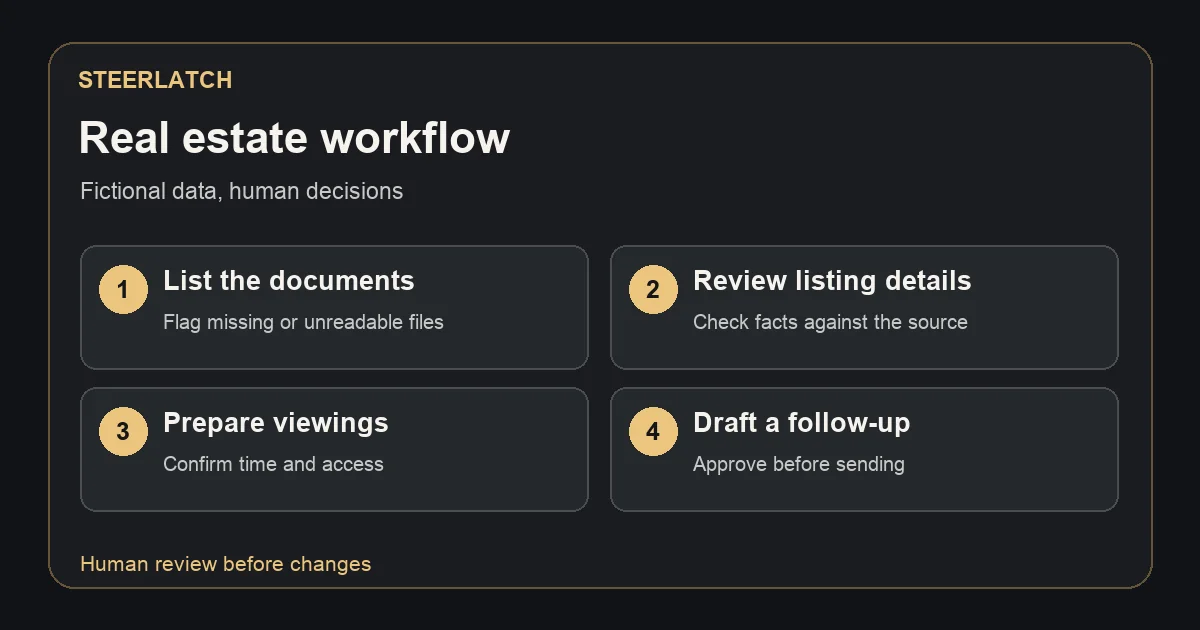
The multi-computer control guide and Git and local testing guide provide practical exercises. Sensitive decisions still require human review.
Where can I find SteerLatch?
The official website is www.steerlatch.com. Use the website and documentation for current downloads and trial terms. Compatibility depends on each assistant and its rules. SteerLatch is not a standalone AI model.