SteerLatch for administrative assistants: files, follow-ups and schedules
Practical administrative workflows with SteerLatch: assemble document packs, check deadlines and prepare follow-up drafts on authorized computers.
Administrative work involves finding the right documents, tracking deadlines and preparing accurate replies. An AI assistant connected to your computer through SteerLatch can help with a precisely scoped folder, while you remain responsible for verification.
Four practical workflows
1. Assemble a document pack
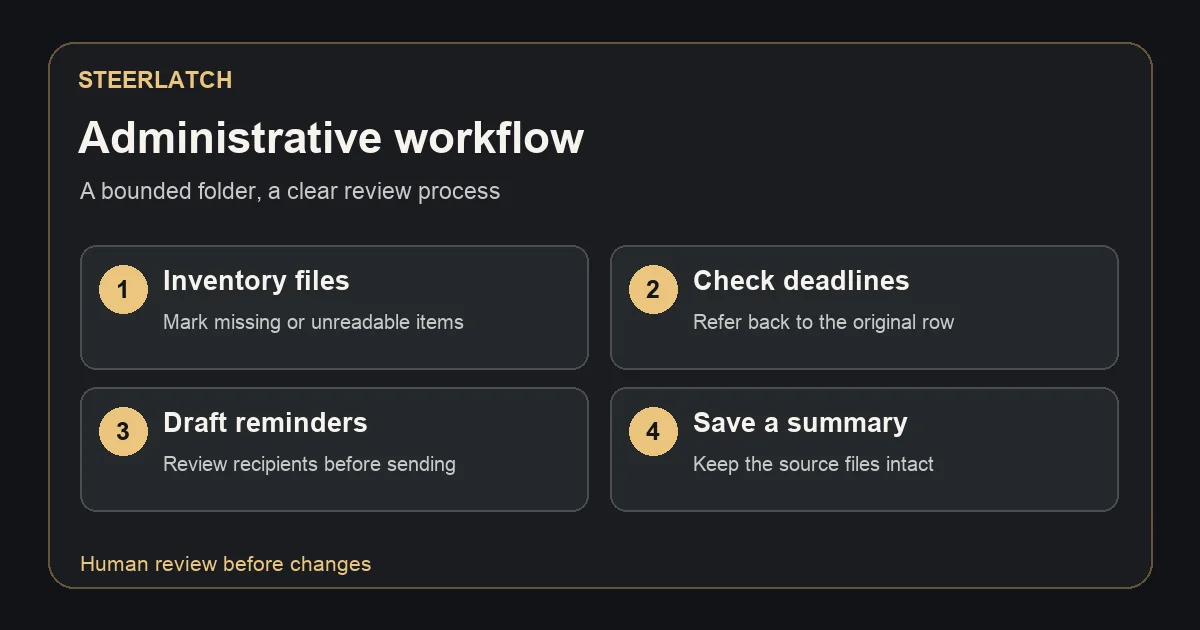
Create a test checklist of required documents. Ask the assistant to compare it with the files present and distinguish found, missing and unreadable documents.
2. Identify upcoming deadlines
Use a fictional spreadsheet to identify dates that need checking this week. Request the source row for every date. Never treat an uncertain date as a confirmed deadline.
3. Prepare follow-up drafts
Ask for drafts based on verified information. Check recipients, tone and attachments before sending anything. Do not disclose confidential information outside authorized channels.
4. Build a daily summary
Save a new report listing completed tasks, blockers and decisions needed. Check source files rather than treating the summary as proof.
An instruction to try
Analyze only the Test-Admin folder. Prepare a table of present and missing documents and three follow-up drafts. Do not send anything or modify source files.
What SteerLatch does not replace
Access rights, document confidentiality and human approval of commitments remain essential. SteerLatch is not an HR system, an autonomous email service or a built-in calendar.
Getting started with SteerLatch
Visit the official SteerLatch website, review the plans and documentation. The trial includes three computers and 5,000 MCP calls per month for three months, without a credit card. Start on fictional data, verify each result and revoke unused access.
Prepare and check documents with SteerLatch · SteerLatch documentation · All guides by profession