SteerLatch for IT support: AI-assisted diagnostics and interventions
Use SteerLatch on authorized test computers to gather bounded diagnostic information, review scripts and document IT support actions.
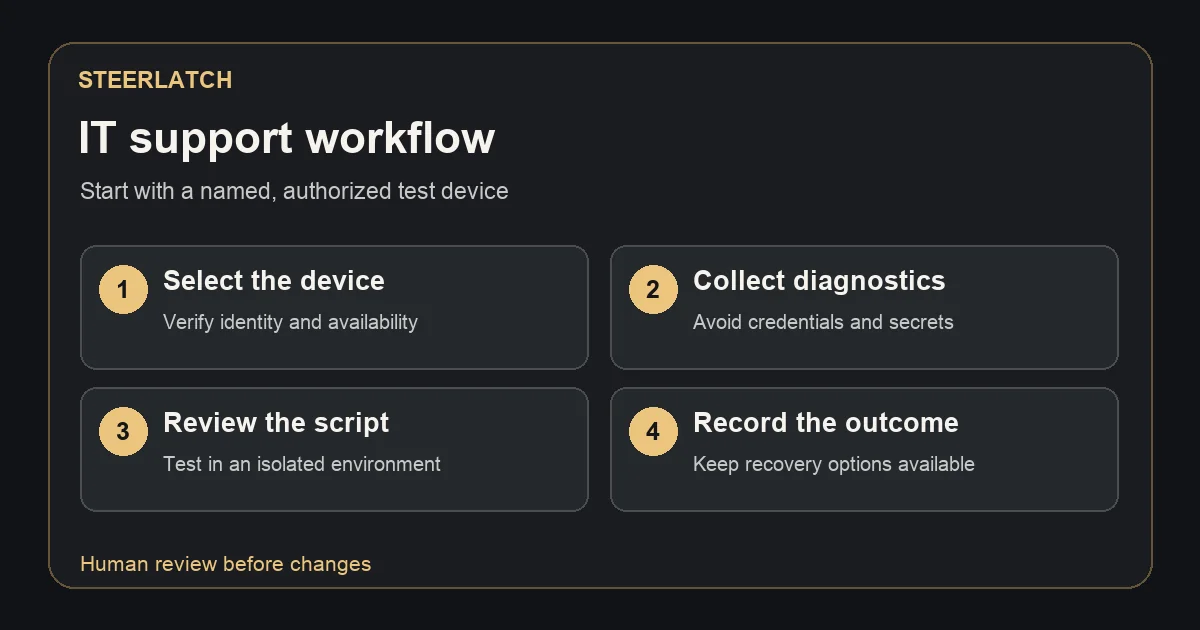
IT support often starts with understanding a problem before suggesting a fix. SteerLatch can connect an MCP-compatible assistant to explicitly authorized computers, using file, terminal or computer-control tools according to the permissions available.
Four practical workflows
1. Identify the correct computer
Verify the device name, ID and availability before making a call. Separate test and production machines. A result from a different device does not validate the diagnosis.
2. Collect non-sensitive information
Start with disk space, a software version or an inventory of sample files. Keep collection narrow and do not request secrets, keys or tokens.
3. Review a script before running it
Request a draft explaining expected effects, prerequisites and risks. Review it and test it in an isolated environment. Changes to real systems require appropriate authorization.
4. Document the intervention
Record observations, the target computer and actual actions taken. Verify the result after each action and preserve recovery options.
An instruction to try
On Test-IT only, check disk space and the operating system version. Explain observed issues. Do not perform repairs, read secrets or change configuration.
What SteerLatch does not replace
SteerLatch is not a continuous monitoring platform, antivirus or complete RMM system. Work on third-party computers requires authorization. STOP does not undo completed changes.
Getting started with SteerLatch
Visit the official SteerLatch website, review the plans and documentation. The trial includes three computers and 5,000 MCP calls per month for three months, without a credit card. Start on fictional data, verify each result and revoke unused access.
SteerLatch multi-computer guide · SteerLatch documentation · All guides by profession