Install SteerLatch: Android, iPhone, Windows, Mac and ChatGPT
Use official stores to install the mobile companion, prepare your Windows or Mac computer and connect ChatGPT with controlled access.
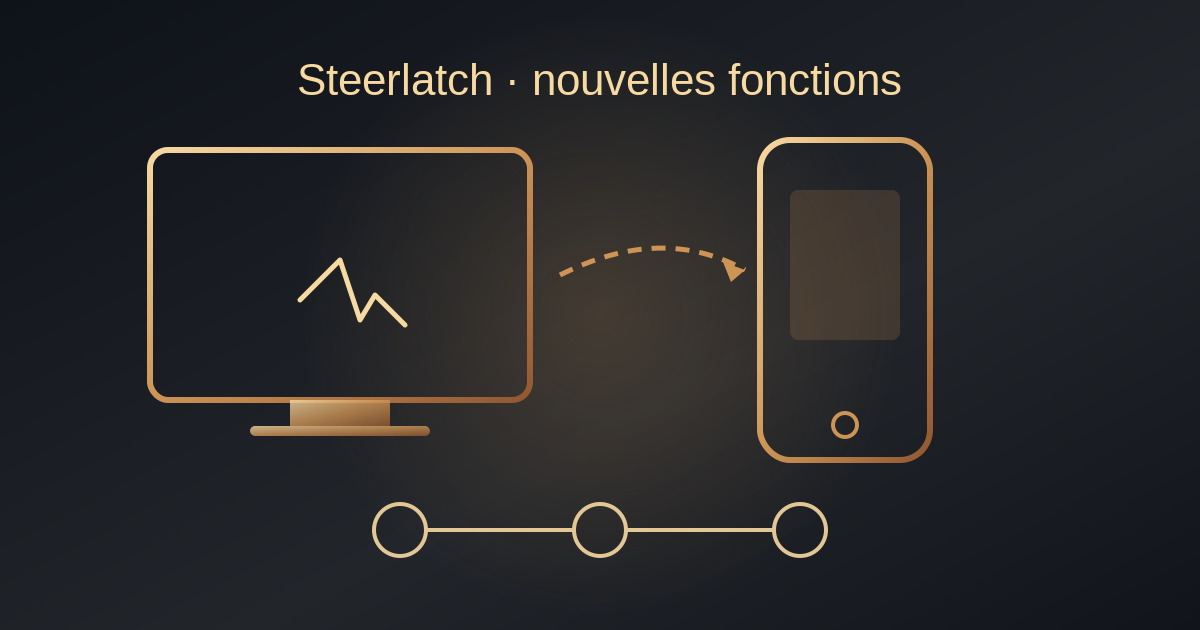
As of November 26, 2026, the SteerLatch companion is available on Google Play and the App Store. The Windows agent has a Microsoft Store listing, and SteerLatch is listed in the ChatGPT plugin catalog. Here are the official access points.
Android and iPhone: install the companion
- Open Google Play or the App Store and check the product name and publisher.
- Install the app and sign into the account linked to your computers.
- Find your paired devices and manage access. The companion does not replace the desktop agent.
- For early-access owner remote control, check activation and local permissions.
Windows and Mac: prepare the computer
On Windows, use Microsoft Store. On Mac, use the download in your SteerLatch account. Pair only computers you are authorized to administer and review system permissions, including screen and keyboard access on macOS.
Connect ChatGPT
Open the SteerLatch listing in ChatGPT, connect your account using the authorization flow and select the intended computer. Catalog availability depends on your account.
First session
Try reading three dummy files, verify the result, then test STOP and revocation. STOP blocks new requests but does not undo completed changes. See the official help, ChatGPT guide and Windows guide.